
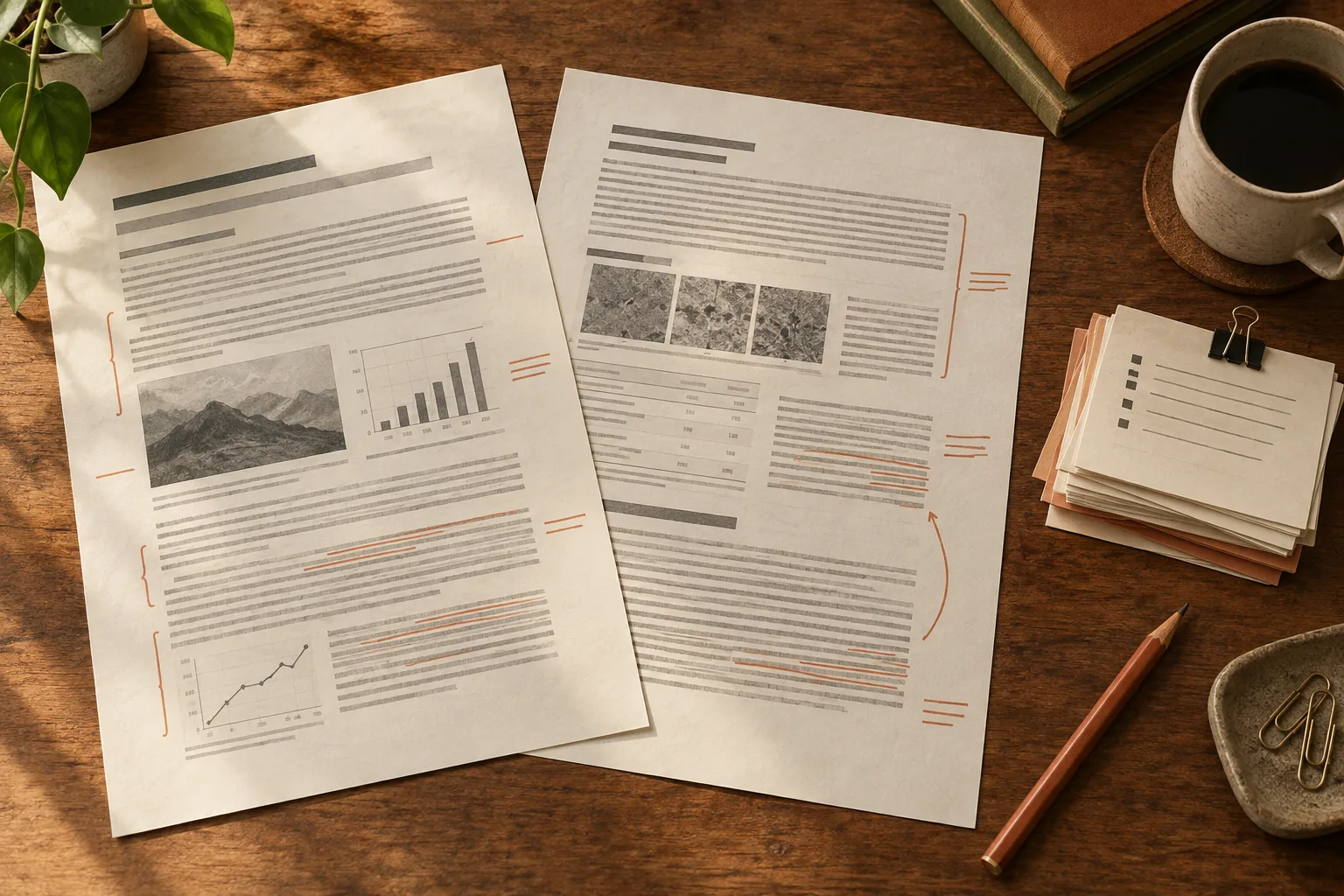
Copying a paragraph from a PDF can bring along broken lines, missing symbols, or sentences from the next column. Markdown gives you editable text with explicit structure, which is easier to correct and reuse. It does not make the extracted content verified evidence.
A useful research workflow preserves three things together: the content, its document structure, and a route back to the source. This matters whether you are preparing notes for yourself, collecting quotations, or building a searchable collection.
Choose Markdown for work you intend to edit
Markdown is a good fit for rewriting notes, reorganizing sections, comparing revisions, and moving text between editors. The files remain readable as plain text. If your main goal is reading a whole book with adjustable type, EPUB may be more suitable.
Markdown does not reproduce every spatial detail of a PDF. A figure spread across a printed page, a marginal annotation, or a complex table may need manual attention. Keep the PDF for layout, exact quotations, and page references.
The CommonMark specification defines core Markdown syntax. Tables, mathematical notation, and footnotes depend on additional conventions supported by the destination application. Inspect the file in the editor you will actually use rather than assuming every Markdown viewer renders it identically.
Convert a representative document, not just its easiest page
Try selecting and copying a passage in the PDF. Image-only scans need OCR; selectable text may still have unreliable reading order. Mixed files deserve checks in both ordinary text and scanned sections.
In PDF Craft's PDF-to-Markdown workspace, upload the PDF, choose Markdown output, and submit. Leave translation off when you need a working copy of the source language. Download the completed result and retain an unchanged copy before editing.
Choose a representative section for review: prose, a heading, a table, an equation if relevant, and a note. A clean title page tells you little about a dense two-column paper. Check Pricing before processing or repeating a long document.
Check the outline before extracting conclusions
Read only the headings first. They should describe the document's actual organization. Repeated running headers should not become new sections, and a visually prominent caption should not become a chapter heading.
Next, read a complete subsection. Check paragraph boundaries and list nesting. Follow the argument across a column or page break. If the order is wrong, a polished summary built on it may repeat the wrong relationship between claims.
For tables, compare headings, row labels, values, units, and footnotes as a group. A value shifted one column is not fixed by making the table look tidier. For equations, inspect symbols, indices, limits, and equation numbers against the PDF and test rendering in your editor.
Keep reference details intact enough to locate the same work: author, title, year, DOI or URL, and page locator where used. Do not replace an uncertain citation with a plausible-looking one from memory.
Preserve files and image resources when moving the output
Store the PDF, untouched conversion, editable copy, and any downloaded assets in one project folder. If the Markdown refers to local images, keep their relative paths working. Moving only the .md file may leave figures behind.
Open the working copy after moving or importing it. Check several images, a table, and a formula. Test links rather than assuming that a successful import means everything arrived. You do not need a complex filing system; you need one that lets you find the source six months later.
Add a source header in your notes with the document title, edition or date, original filename, and relevant page range. Printed page numbers and PDF page positions may differ. Record both for important passages rather than treating the reader's current page counter as a citation.
Build notes in a separate layer
Keep “source extract,” “my summary,” and “open question” visibly distinct. Exact quotations should be checked word for word against the original and carry a verified location. Paraphrases still need a source reference.
Try making one complete note before importing an entire collection. Include a claim, its supporting passage or table, the source location, and your interpretation. Then use that note alone to find the original evidence. If you cannot locate it, repair the references while the document is still familiar.
For scanned long books, see organizing Markdown chapter notes. For complex sources, use the formula and footnote review checklist. If you later add the files to an AI or search system, carry the source information with each section. Search can repeat an OCR mistake as easily as a correct sentence; a retrievable original is what makes an answer checkable.